在前端页面中经常会有垂直居中的排版布局,而在一些前端面试时,经常也会出关于让元素垂直居中,问你有几种方法来实现的问题。
下面就是我自己在实际开发中常用的几种css写法,大家可以参考,如果有比较新的方法,欢迎留言补充[笔芯]。
一、flex弹性布局
HTML代码
1
2
3
| <div class="box">
<div class="contant"></div>
</div>
|
css代码
1
2
3
4
5
6
7
8
9
10
11
12
13
| .box{
width: 100%;
height: 100vh;
display: flex;
justify-content: center;
align-items: center;
background-color: #f1f1f1;
}
.contant{
width: 200px;
height: 200px;
background-color: #dddddd;
}
|
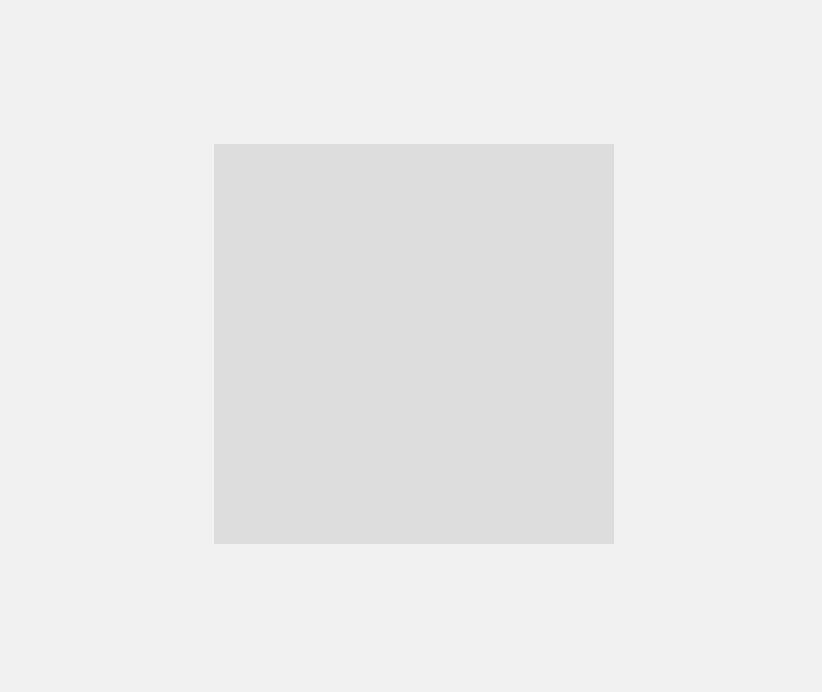
渲染效果
二、绝对定位+css3属性
HTML代码
1
2
3
| <div class="box">
<div class="contant"></div>
</div>
|
css代码
1
2
3
4
5
6
7
8
9
10
11
12
13
14
15
| .box{
width: 100%;
height: 100vh;
background-color: #f1f1f1;
}
.contant{
width: 200px;
height: 200px;
background-color: #dddddd;
position: absolute;
top: 50%;
left: 50%;
transform: translate(-50%,-50%);
}
|
渲染效
三、绝对定位+margin
HTML代码
1
2
3
| <div class="box">
<div class="contant"></div>
</div>
|
css代码
1
2
3
4
5
6
7
8
9
10
11
12
13
14
15
16
17
| .box{
width: 100%;
height: 100vh;
background-color: #f1f1f1;
}
.contant{
width: 200px;
height: 200px;
background-color: #dddddd;
position: absolute;
top: 0;
left: 0;
bottom: 0;
right: 0;
margin: auto;
}
|
渲染效果
四、行高+内联块状元素
HTML代码
1
2
3
| <div class="box">
<div class="contant"></div>
</div>
|
css代码
1
2
3
4
5
6
7
8
9
10
11
12
13
| .box{
width: 100%;
height: 600px;
background-color: #f1f1f1;
line-height: 600px;
text-align: center;
}
.contant{
width: 200px;
height: 200px;
background-color: #dddddd;
display: inline-block;
}
|
渲染效果
五、网格系统+margin
HTML代码
1
2
3
| <div class="box">
<div class="contant"></div>
</div>
|
css代码
1
2
3
4
5
6
7
8
9
10
11
12
| .box{
width: 100%;
height: 100vh;
background-color: #f1f1f1;
display: grid;
}
.contant{
width: 200px;
height: 200px;
background-color: #dddddd;
margin: auto;
}
|
渲染效果
六、display: table-cell 仿表格单元格属性
HTML代码
1
2
3
| <div class="box">
<div class="contant">文本信息</div>
</div>
|
css代码
1
2
3
4
5
6
7
8
9
10
11
12
13
14
15
16
| .box{
width: 100%;
height: 100vh;
background-color: #f1f1f1;
display: table-cell;
text-align: center;
vertical-align: middle;
}
.contant{
width: 200px;
height: 200px;
background-color: #dddddd;
display: table-cell;
text-align: center;
vertical-align: middle;
}
|
渲染效果
以上就是我常用的几种写法,还有一些其他的比如负边距离等,与上述中的某种类似,就不示例了。
一般的话,在实际开发中,你会2种其实也就够用了。